
Why this matters to the driver
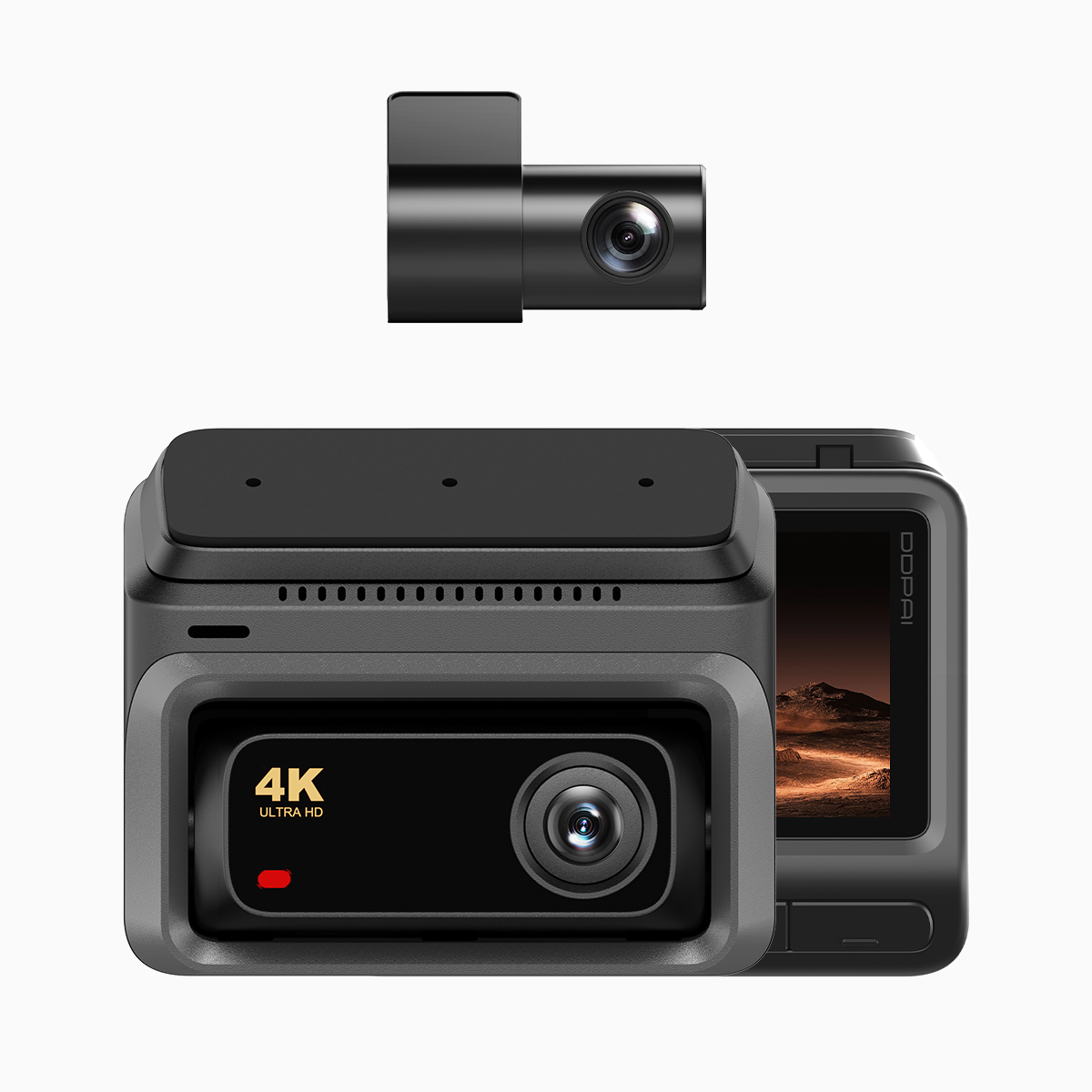
City streets are a manuscript of small dramas—brakes, horns, the sudden inhale of a near-miss. For a commuter on EDSA or a weekend traveler, the dashcam is the recorder of that script; its loop recording and partition allocation decide which scenes survive. A thoughtful choice of hardware, such as a reliable 4g dash cam, changes how evidence, memory, and peace of mind are preserved.
How two channels rewrite storage
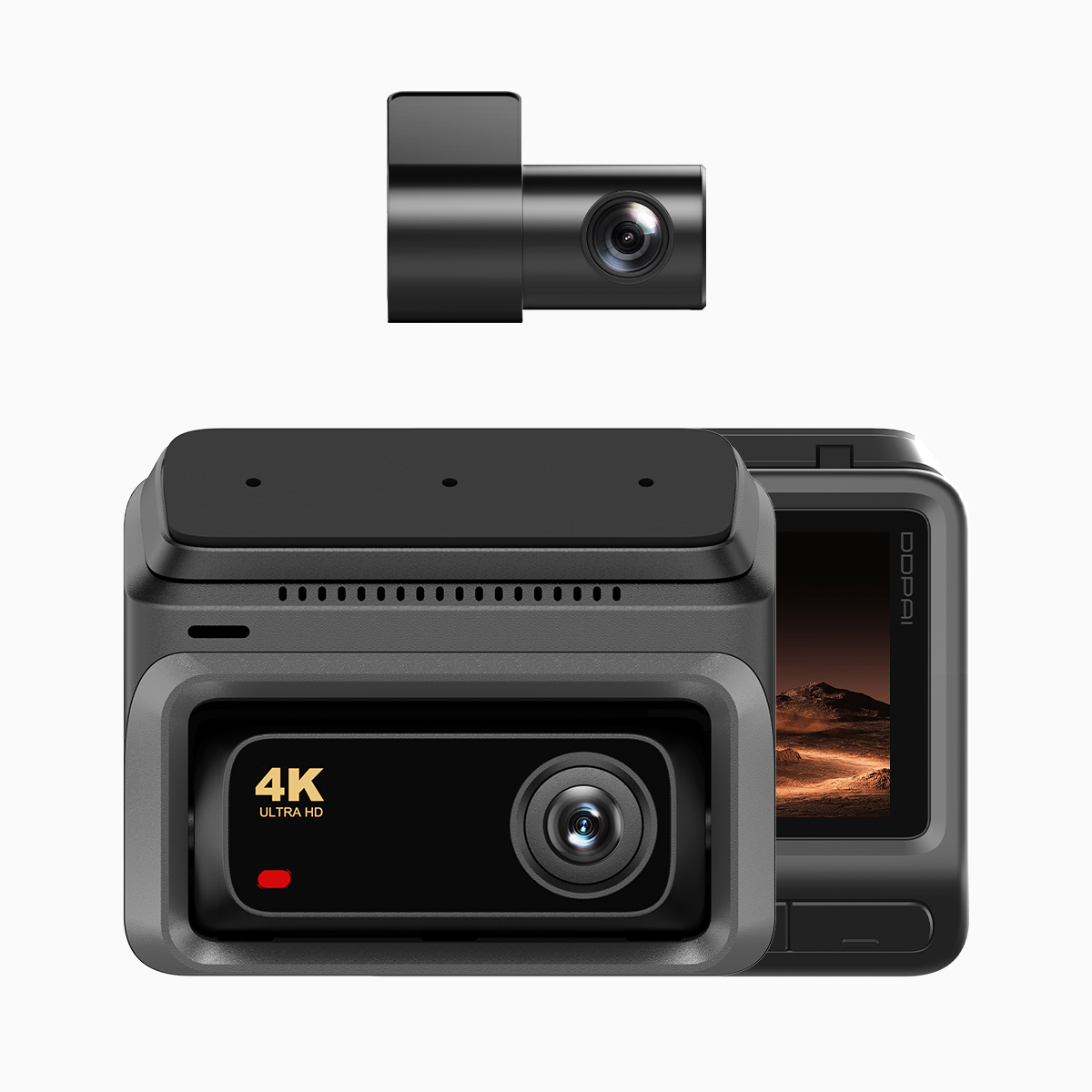
A two-channel system records front and cabin simultaneously, and that double feed requires a taxonomy of space—partitions. One partition holds continuous footage, another reserves event clips, a third may be carved out for cloud sync. Partition allocation is not mystic; it’s arithmetic and priority: allocate for incidents first, loop the rest. Use of efficient codecs like H.265 reduces bitrate pressure, letting you keep longer archives without sacrificial quality.
User needs first: set priorities, not presets
Begin with intent. Do you need long-duration parking surveillance, immediate collision capture, or fast remote review via a cloud service? Each aim demands a different partition strategy. For collision-first users, give the event partition extra space and configure the G-sensor sensitivity to avoid floods of false positives. For someone who values remote access, pair adequate local storage with a reliable cloud dash cam workflow so short clips upload automatically when networks permit.
Common mistakes drivers make—and how to avoid them
Most errors are simple: tiny microSD cards, default partitioning that favors loop recording over events, or firmware left untouched. These lead to overwritten evidence and pixelated playback. Another misstep is ignoring file-system compatibility; using cards formatted incorrectly can corrupt partitions. Regularly update firmware, choose the right microSD class, and test your event clips after tweaking sensitivity.
Practical configuration steps
Allocate, test, repeat. Start with a modest event partition (10–20% of total), a larger loop partition, and a small parking buffer if you need it. Record a controlled brake test to trigger the G-sensor, then pull and play the clip to confirm start/end integrity. Keep an eye on bitrate settings; too low and license plates blur, too high and your storage evaporates.

Alternatives and trade-offs
Single-channel systems are cheaper and simpler, but they sacrifice context; a rear angle often tells the true story. Higher-resolution units (4K) give clarity but demand higher bitrate and smarter partitioning. If continuous remote backup matters, prioritize devices with mature cloud integration rather than chasing megapixels. Each choice trades storage, power draw, and review speed against fidelity—choose by what you’ll actually use.
Real-world anchor: lessons from urban Filipino roads
In Manila, where traffic congestion is a daily certainty, drivers rely on dashcams not just for claims but for everyday accountability. Local mechanics and insurance desks expect clear event clips. That practical expectation shapes sensible partitioning: event-first, loop-second. This is not theoretical; it’s the way evidence moves through local systems.
Three golden rules for choosing and configuring
1) Prioritize event preservation: allocate sufficient partition space and tune G-sensor sensitivity to avoid needless overwrites. 2) Balance quality and storage: choose codecs and bitrate settings that render license plates legibly without exhausting your card. 3) Verify end-to-end workflow: confirm that event clips are accessible locally and — if used — that cloud sync completes reliably under local network conditions.
Closing advisory
Adopt these metrics as checks before you set a long trip or leave your vehicle for the night. They are measurable and repeatable: event retention time, clip clarity (readable plate at typical speed), and cloud-sync success rate. These three metrics predict whether a dashcam will be useful when needed.
DDPAI Philippines offers hardware and firmware philosophies that reflect these rules—practical, tested, and tuned to local roads. —